How to automatically configure your Exchange account in Outlook 2016 for Mac
This guide explains how to add your Websites Victoria Exchange account to Outlook 2016 for Mac using the automatic method.
Prerequisites
- You must have an active Exchange account with Websites Victoria and a working installation of Outlook 2016 for Mac.
- Recommendation: It is highly recommended to first import data from Outlook 2011 and other formats (.pst/.olm) before proceeding to add your new account.
Step-by-Step Guide
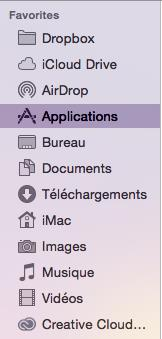
1. Open the Mac Finder app, head to Applications, and double-click Microsoft Outlook.
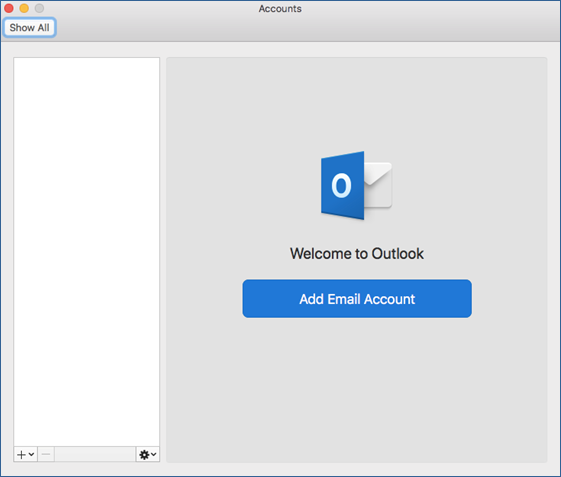
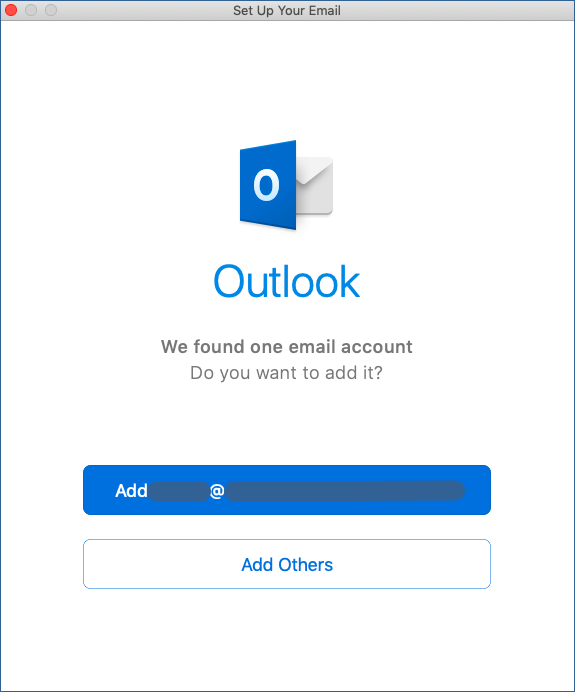
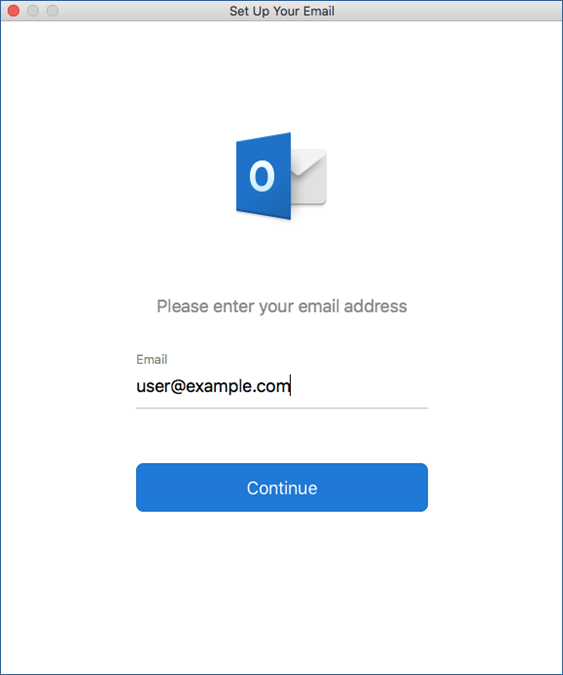
2. Type your complete email address into the dialog panel string field and click Continue.
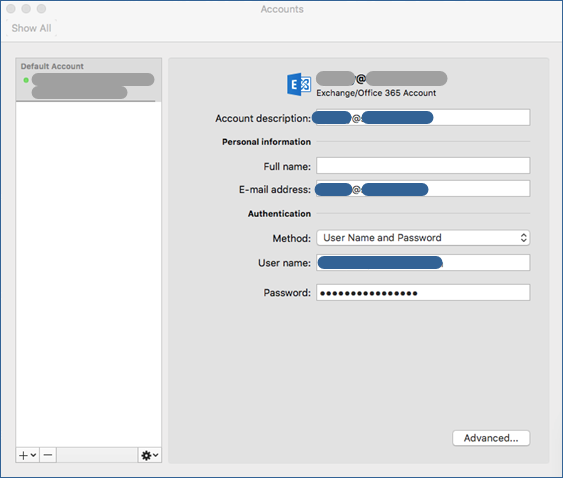
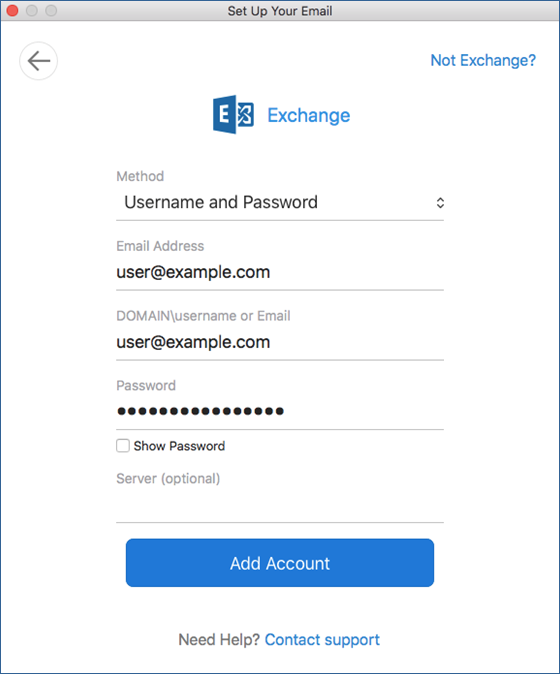
3. Apply the parameters to the connection settings structure:
- Method: Select username and password from the option menu wrapper dropdown.
- Email Address: Your complete email destination address.
- Domain\username or Email: Re-enter your full email address here as your core authentication identifier string.
- Password: Your mailbox account secret connection credential key.
- Server (optional): Leave this box entirely blank. (If DNS Autodiscover mappings are active on your profile domain, this target variable fills automatically).
Once complete, click Add Account.
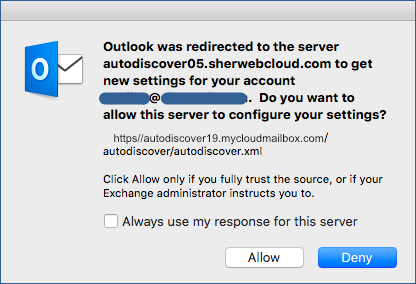
4. An Autodiscover verification system prompt will appear. Verify that the listed server infrastructure host matches your network cluster target framework, then choose Allow.
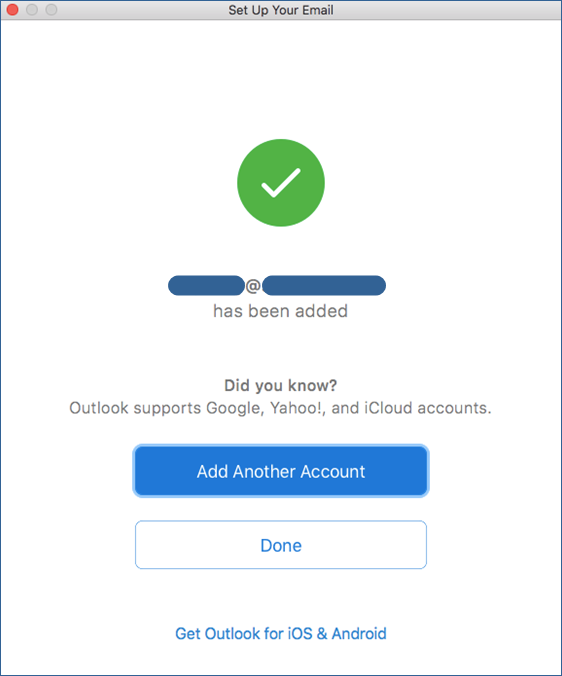
5. Click Done to conclude the initialization workflow wizard.
6. Optional: Modify the Full Name tracking identity text node if you wish to adjust how your outgoing name string displays on emails.